
 I-Share
Working with Invoices
Creating an Invoice from a Purchase Order
- Go to Acquisitions menu > Receiving and Invoicing > Create Invoice.
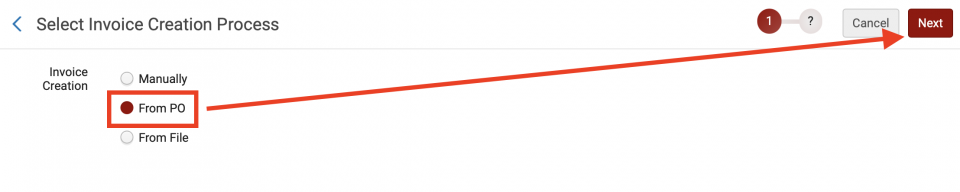
- Select From PO, click Next.
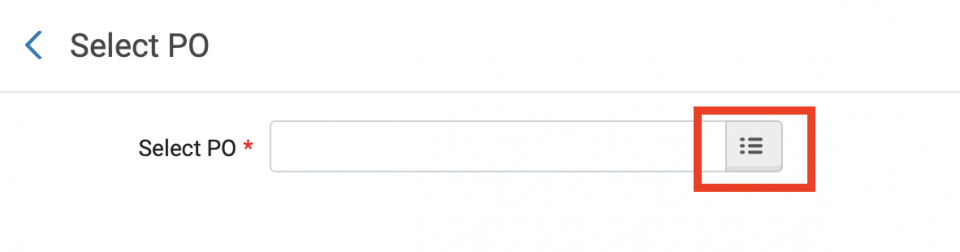
- Select the menu button to begin a search.
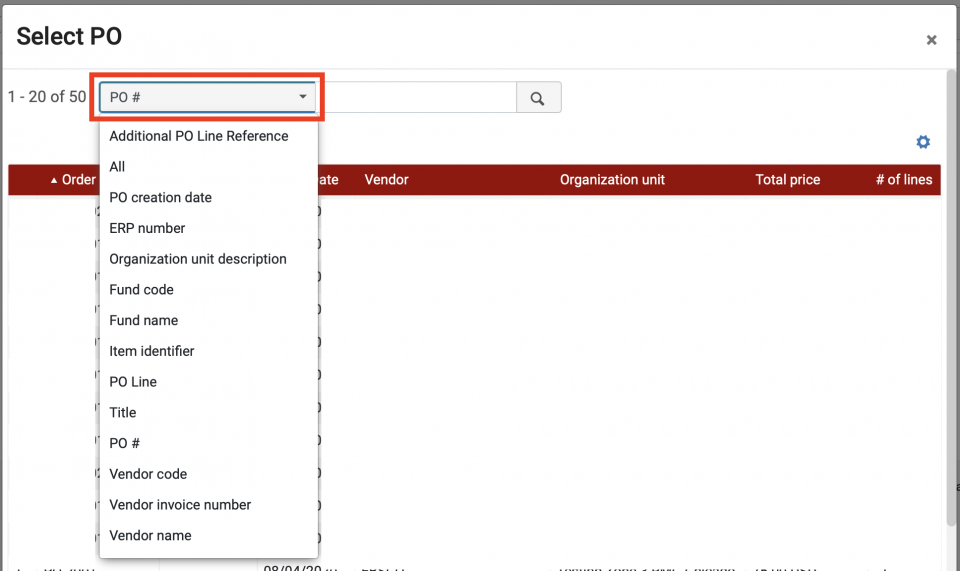
- Select a search index, such as PO# or PO Line.
- Click on a PO from the results list.

- Click Save.

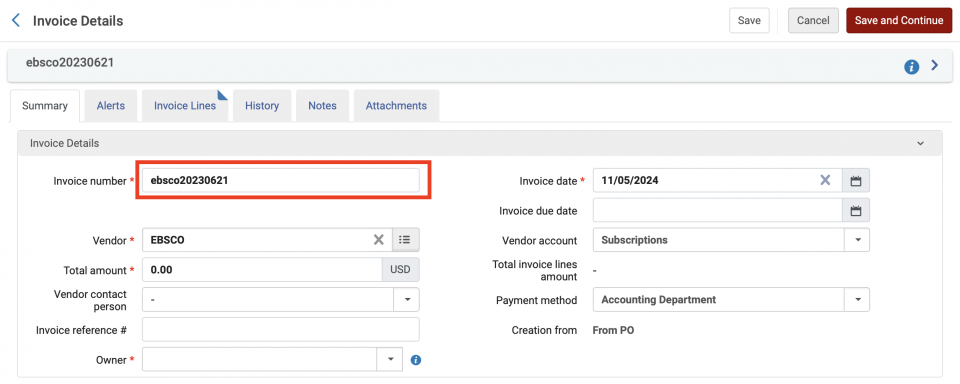
- The Invoice Details screen opens; edit the details, such as the Invoice Number (defaults to the PO#).
- Go to the Invoice Lines tab to verify and edit contents.
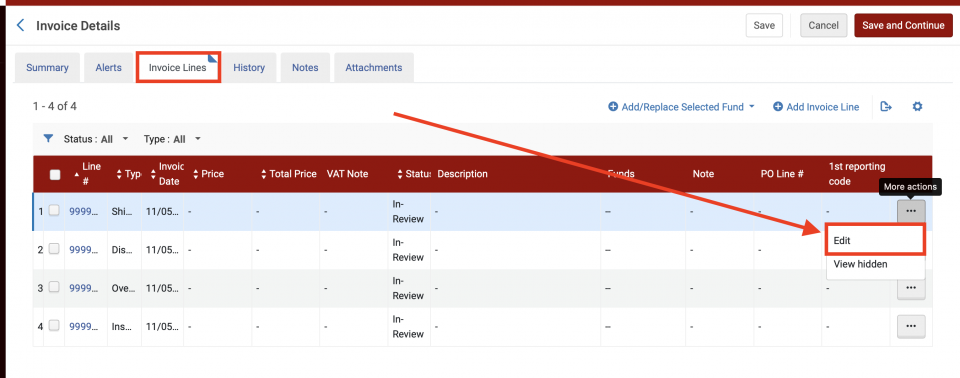
- Save and Continue when you're ready.
Updated April 13, 2026.